Every Technical Assistance Facility produces a substantial volume of documents. Contracts, CVs, terms of reference, expert deliverables, progress reports, audit responses, grant agreements, correspondence. Over the life of a programme, that volume is large enough that no individual can hold a reliable map of it in their head. Where each document is, what version it is in, who approved it, what status it currently carries: these are questions that should be answerable in seconds. In most facilities, they require a search.
The shared drive is almost universally where these documents live. It is not a bad tool. It is simply a filing system, and filing systems do not understand context. A shared drive knows where a file is but not what operational purpose it serves, who is responsible for it, or where it sits in its own lifecycle.
The lifecycle that documents actually have
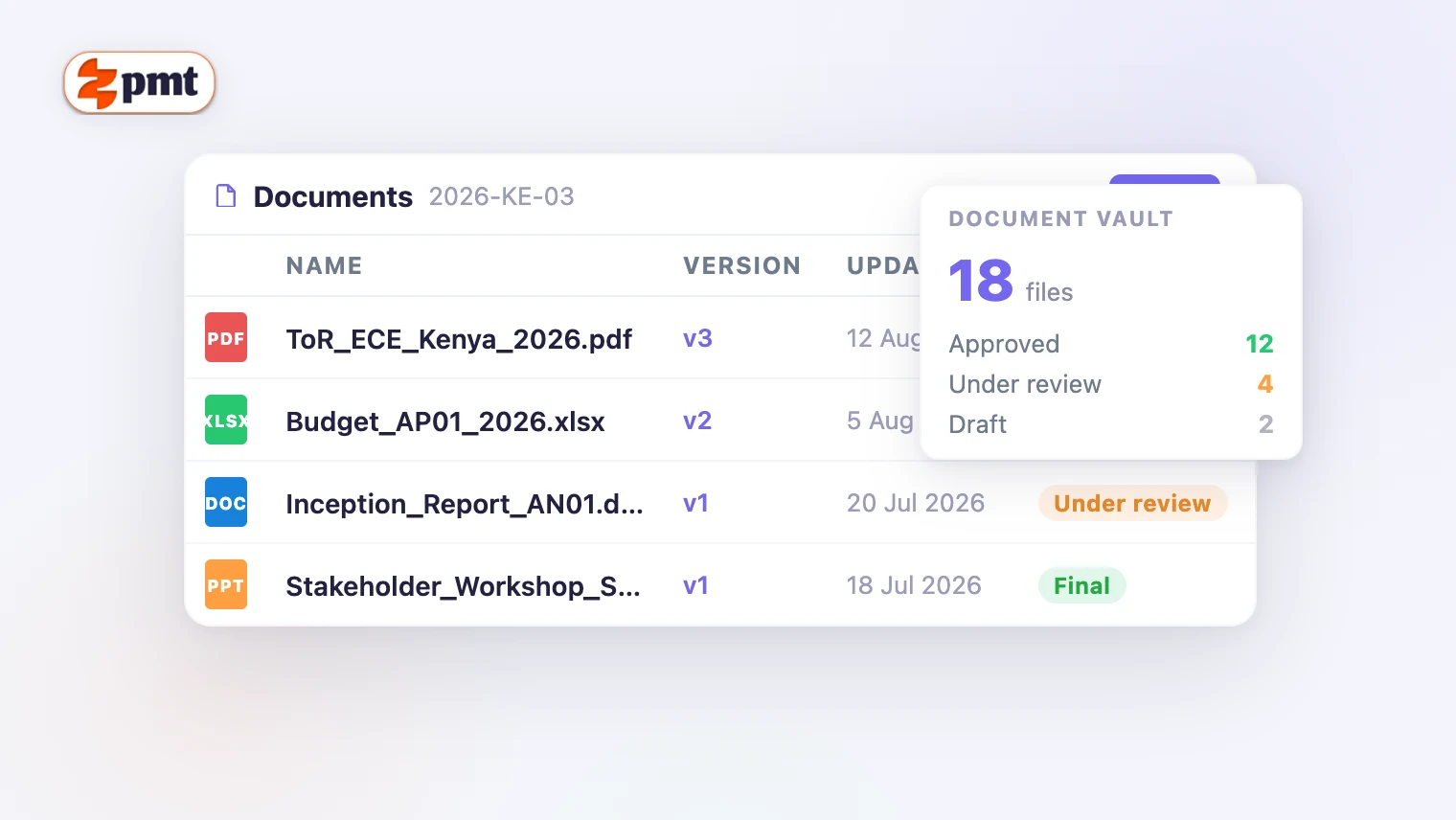
A document in a TA facility moves through states: draft, under review, approved, superseded, archived. It has an owner, the person or team responsible for its current state. It has a version history, because approved documents sometimes need to be revised, and the revision needs to be distinguishable from the original. And it has operational context: it belongs to a specific activity, under a specific action plan, authorised by a specific request, within a specific funding source.
That context makes the document useful at audit time, not only when it was created. A CV attached to an expert's profile and linked to every assignment that drew on it tells a clear story. A CV in a folder called "CVs 2024 Final v2" tells a different story, one that requires interpretation.
What goes wrong at audit time
The audit scenario that exposes shared drive document management is not exotic. An auditor asks to see the deliverable submitted by a specific expert under a specific activity in the second quarter of the programme. The correct response is to retrieve that document directly, with its submission date, its review status and its approval record attached. The response that most facilities produce instead involves opening several folders, comparing file names and dates, and hoping that the version in the folder is the approved one rather than a later draft that no one remembers saving there.
The uncertainty comes from a document storage model that was not designed to support that question. Shared drives store files but not the context that makes them auditable.
What tagging to the operational unit changes
When a document is stored tagged to the operational unit that produced it (the activity, the action, the assignment, the request) the shared drive scenario is replaced by something different. You navigate to the activity and find the documents associated with it: the terms of reference that created it, the CVs of the experts assessed for it, the deliverable submitted under it, the approval that closed it. Each document carries its version history and its status. The audit trail is the record, not a reconstruction of the record.
This approach also changes data protection management. When you know which documents are attached to which activity, you can manage retention systematically rather than by running a periodic purge of whatever appears to be outdated. The document's lifecycle ends when the activity's lifecycle ends, not when someone happens to clear a folder.
The bottom line
Documents without operational context are a liability at audit time. You have them, but you cannot efficiently prove their relevance, their status, or their authority. Documents tagged to the unit, role and status that produced them are an asset: they answer audit questions directly, support data retention compliance, and make the institutional memory of the programme accessible to everyone who needs it, including the next team that inherits the programme when the current one moves on.