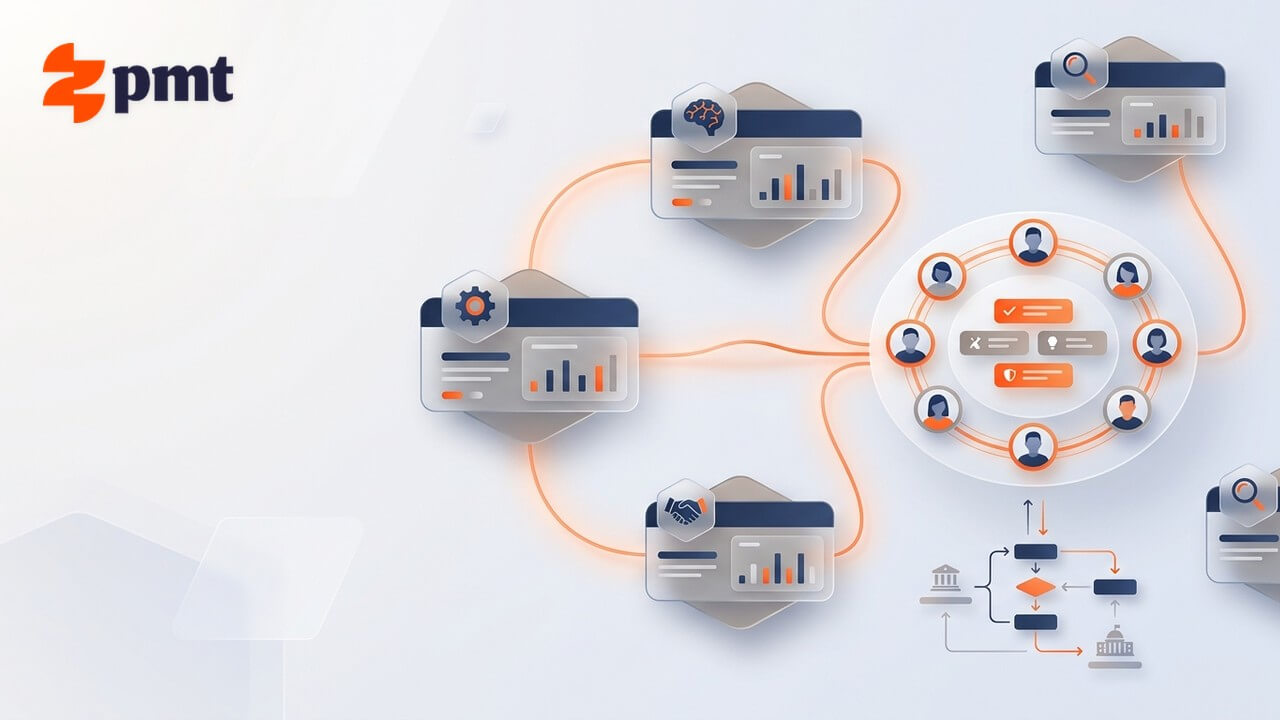
When a Call for Expertise is open in ZeePMT, the same call appears in one of three distinct contexts depending on who is accessing it: each shows a different level of detail and offers different available actions. The design keeps information accessible at the right level to the right person, without the facility needing separate systems for public-facing, expert-facing and internal-facing communication.
The public open-call list
The first door is publicly accessible without a login. Any prospective applicant, including someone who has never interacted with the facility before, can browse open calls through the public list. Each call appears with its title, the fields of expertise required, the language requirements, the application deadline, and enough scope information to allow someone to decide whether to apply.
The public list shows what is available, not the internal structure of the programme. An outsider can see that a call is open; they cannot see the action plan it belongs to, the budget line it draws from, or the history of previous calls for the same activity. Transparency about available opportunities does not require full visibility into the programme record.
The expert portal
Registered experts access calls through a different view. When an expert logs in, they see open calls filtered to their profile: calls in their fields of expertise, in the languages they have declared, within the geographic scope they are eligible for. The list is not personalised by an algorithm; it reflects the structured data on their profile matched against the structured requirements of the call.
The expert portal also shows calls the expert has already applied to: open applications, closed applications, and the outcome of past calls in their history. An expert active with a facility across multiple programmes should be able to see their full record as a single coherent history: what they applied for, what they were selected for, and what assignments resulted.
From the expert portal, an expert applies by submitting their interest. Their profile data is attached automatically. The expert adds any call-specific information the application requires; they do not re-enter the profile data that already exists in the system.
The focal-point and organisation portal
The third view is for partners: focal points at beneficiary institutions and organisations that have a registered relationship with the facility. They see calls relevant to the programmes or activities they are associated with. They do not see the full public list or the internal staff view.
This means a focal point can follow the progress of a call that affects their programme without access to the full operational record. They can see whether a call is open, when it closed, and when the process is finalised. They cannot see individual applications or shortlisting decisions; that information is internal to the facility staff.
The three-portal structure eliminates a common workaround: sending calls by email to specific people. When each audience has its own correctly scoped view, the facility does not need to manage who knows what through separate communication channels. The system manages it through access control.
The bottom line
A single Call for Expertise serves multiple audiences: the public, registered experts, and partner institution contacts. Each audience needs a different view of the same underlying record. ZeePMT provides those three views through a single platform, with the access control built in rather than managed through email lists and separate documents. Publishing a call handles the communication automatically.